
In a world where storage space on an iPhone can vanish faster than a magician’s rabbit, knowing how to compress files is a game-changer. Whether it’s that 300-page PDF of your cat’s medical records or a video of Aunt Betty’s infamous dance moves, reducing file size can save the day. Imagine having the power to fit all your essential files into your pocket without sacrificing quality.
Overview of File Compression on iPhone
File compression on iPhone serves as a critical tool for managing limited storage. Users often face challenges when handling large files such as videos or extensive documents. By compressing these files, individuals can save significant storage space without sacrificing quality.
Various methods exist for executing file compression on an iPhone. The built-in Files app allows users to compress multiple files into a single ZIP folder. This method streamlines storage management while making file sharing simpler.
Additionally, third-party applications provide alternative compression solutions. Apps like WinZip and iZip offer enhanced functionalities, including more file formats. Using these apps can deliver better compression rates compared to built-in options.
Understanding the importance of file compression impacts the overall user experience. Each compressed file occupies less storage, enabling users to store more content, like photos, apps, and music. Effective compression techniques lead to faster data transfer and easier file sharing.
Exploring file compression on iPhone reveals its value in daily use. Recognizing when compression is appropriate ensures efficient resource management. Implementing these practices can significantly enhance the device’s performance and user satisfaction.
Methods of Compressing Files
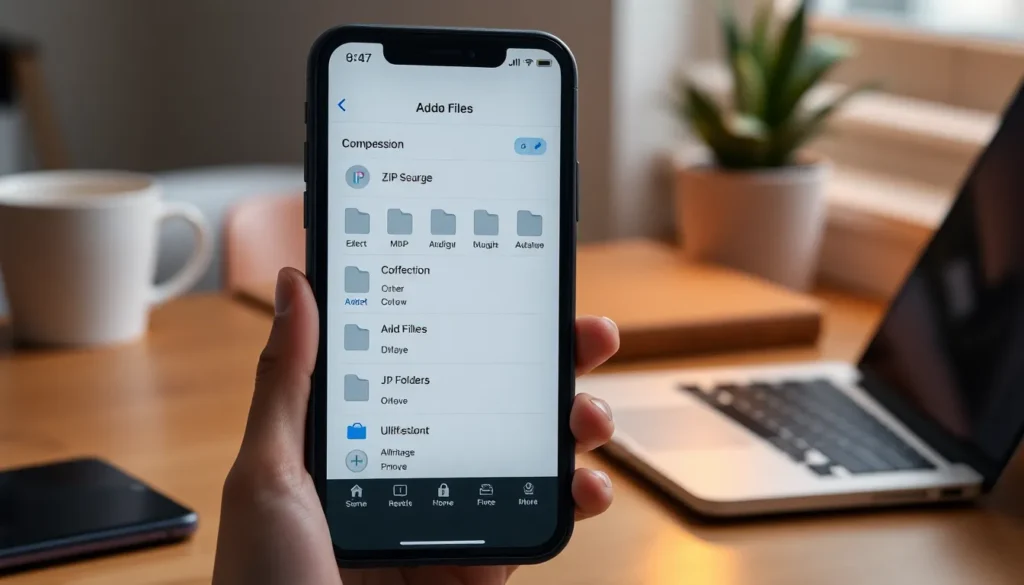
File compression on an iPhone can be done effectively using built-in features or third-party apps. Each method offers a straightforward approach to managing and reducing file sizes.
Using Built-In Features
The built-in Files app allows users to select multiple files and compress them into a single ZIP folder. Users can access this functionality by tapping the “Select” option, choosing files, and then using the “Compress” feature. This method provides a quick solution for managing storage by converting file sizes into a more shareable format. ZIP files are easily shared via email or messaging platforms. Overall, utilizing built-in features proves effective for uncomplicated file compression tasks.
Third-Party Apps
Third-party apps, like WinZip and iZip, enhance file compression possibilities with advanced functionalities. These apps typically offer better compression rates for larger files, allowing for efficient management of extensive documents or videos. Users can download these apps from the App Store and follow on-screen instructions for compressing files. Additionally, many third-party apps provide cloud storage integration, which enables seamless access to compressed files across devices. In summary, leveraging third-party apps offers flexibility and added features beyond the basic capabilities of built-in options.
Steps to Compress Files on iPhone
Compressing files on an iPhone enhances storage management and simplifies file sharing.
Compressing Photos
Access the Photos app to compress images effortlessly. Select multiple photos by tapping “Select,” then choose the images for compression. Use a file compression app such as WinZip or iZip to upload photos from the Photos app. Choose the “Compress” option to create a ZIP file containing the selected images. This method significantly reduces file sizes without significantly impacting quality. Sharing the compressed folder becomes easier with other users, facilitating efficient photo storage management.
Compressing Documents
To compress documents, open the Files app and browse to the desired files. Tap “Select” in the upper-right corner and choose the documents for compression. After selecting the files, find and press the “Compress” option. This process creates a single ZIP folder, consolidating files for easier management. Documents like PDFs or Word files often benefit from this method, reducing their overall size and facilitating faster transfers. Utilizing document compression allows users to save valuable storage space on their iPhones, leading to improved functionality and enhanced performance.
Benefits of File Compression
File compression offers significant advantages for iPhone users. It maximizes available storage space effectively. By reducing the size of large files, users can save gigabytes of data. For instance, PDFs and videos often take up considerable space; compression allows users to keep essential content without sacrificing quality.
Data transfer speeds improve as a result of file compression. Smaller files lead to quicker uploads and downloads, making sharing seamless. Users particularly appreciate this feature when utilizing email or messaging services. Also, compressed files are easier to share across platforms, ensuring accessibility regardless of the device.
Another key benefit includes enhanced organization. A single ZIP folder reduces clutter by consolidating multiple files, which simplifies file management. Users find it easier to locate specific documents or images within a compressed folder.
Additionally, compression aids in efficient backups. Smaller files require less cloud storage, enabling users to optimize their backup processes. This efficiency is especially valuable for individuals managing multiple devices or those frequently updating content.
Third-party applications like WinZip and iZip further enhance these benefits. These tools provide advanced features, including enhanced compression rates and cloud storage integration. Users exploring these options can experience improved functionality and ease of access to their files.
Ultimately, the benefits of file compression significantly improve overall user experience. Users can store more content, share files easily, and manage storage effectively, leading to enhanced device performance and user satisfaction.
Mastering file compression on an iPhone is essential for optimizing storage and enhancing the user experience. By utilizing built-in tools like the Files app or exploring third-party applications, users can effectively manage large files without sacrificing quality.
The ability to compress files not only saves space but also streamlines organization and sharing. With these techniques in hand, iPhone users can enjoy a more efficient device while ensuring they have room for all their important content. Embracing file compression can lead to a smoother, more enjoyable experience on any iPhone.